

PrácticaBloque 3 · Ramas y conflictos
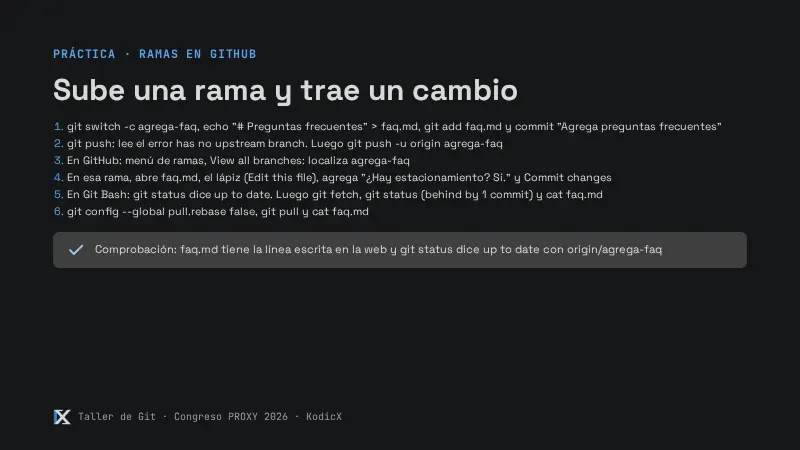
Sube una rama y trae un cambio
Punto de partida
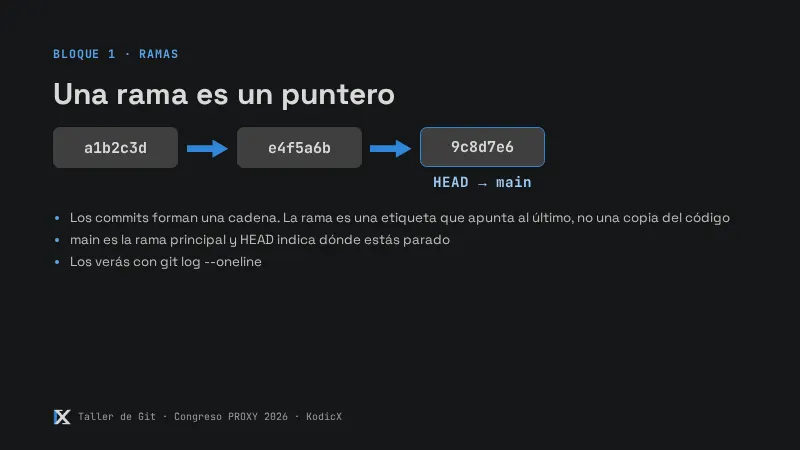
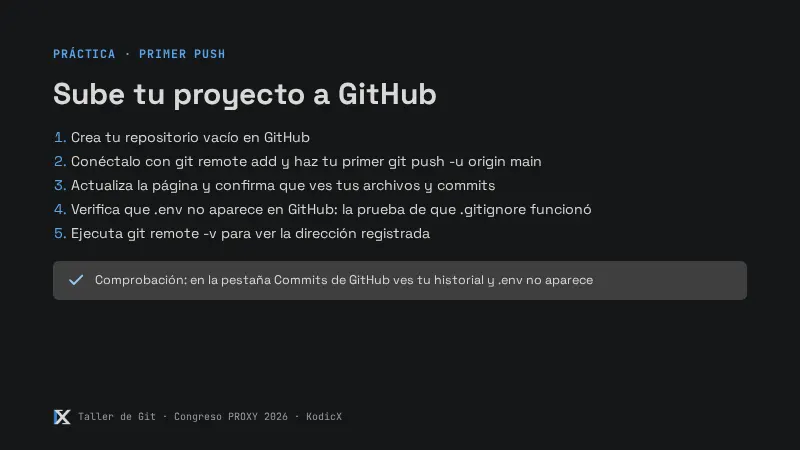
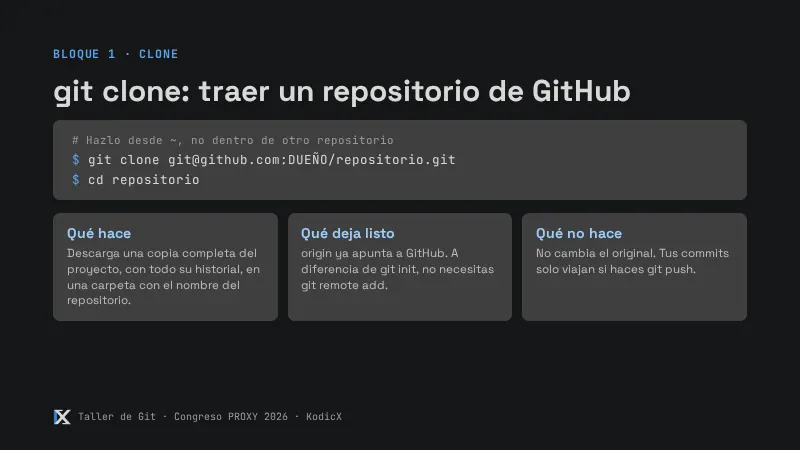
Rama main. Tu taller-git ya está conectado a GitHub desde el Bloque 1.
Pasos
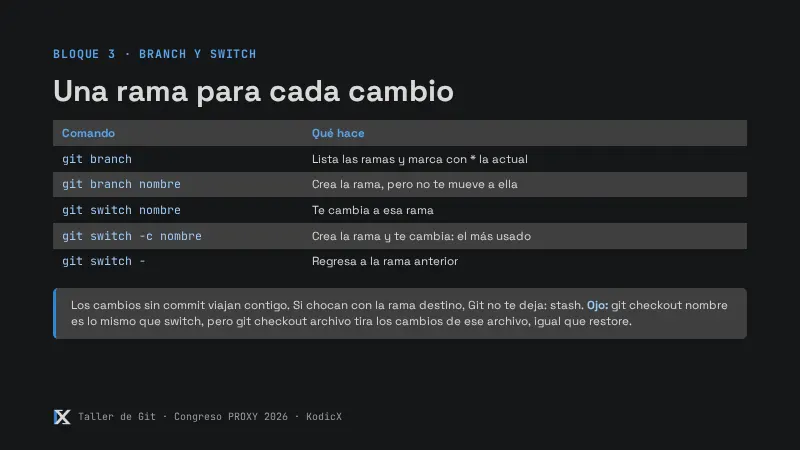
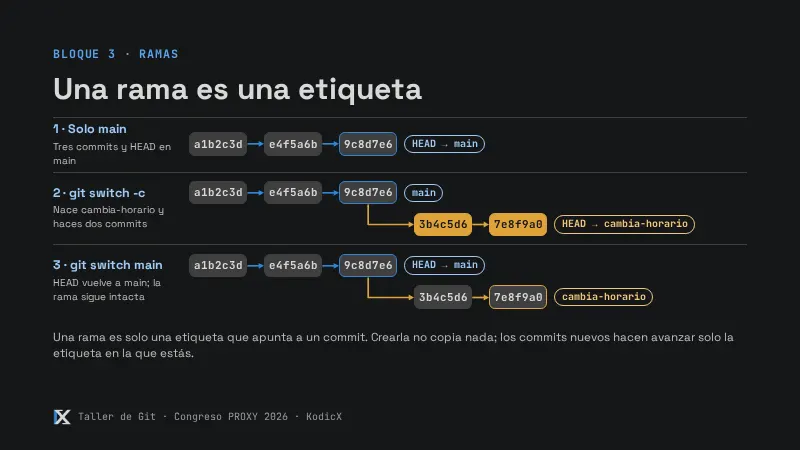
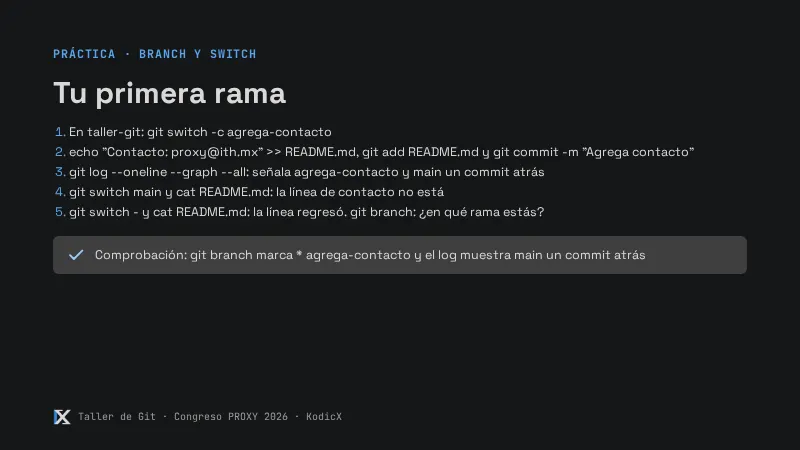
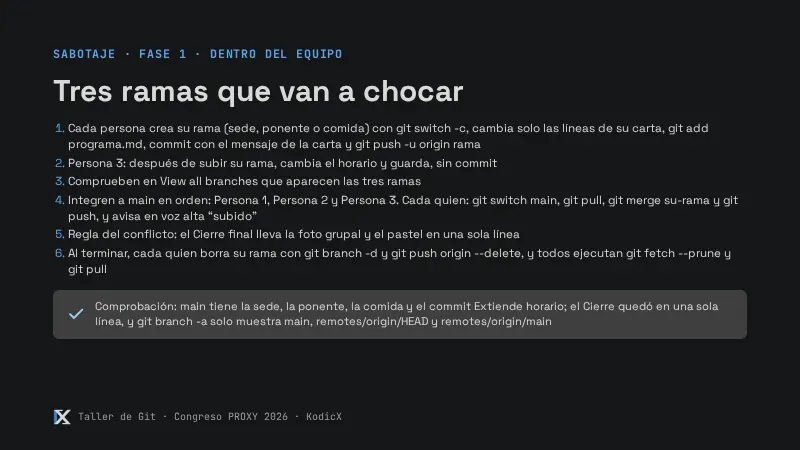
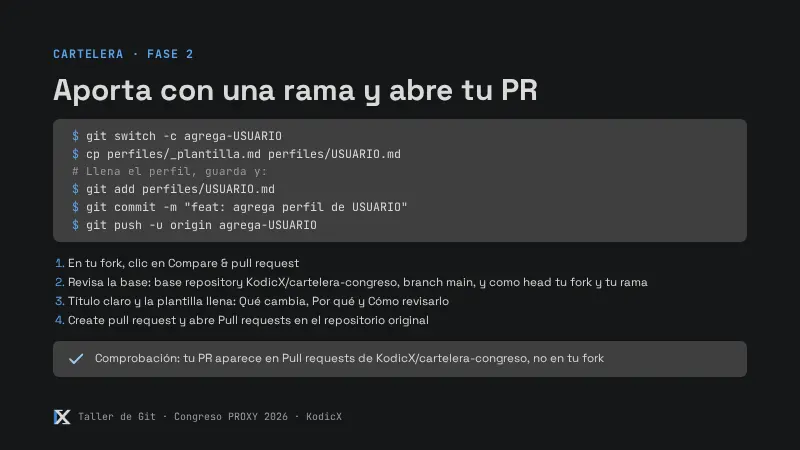
- Crea una rama con un archivo:
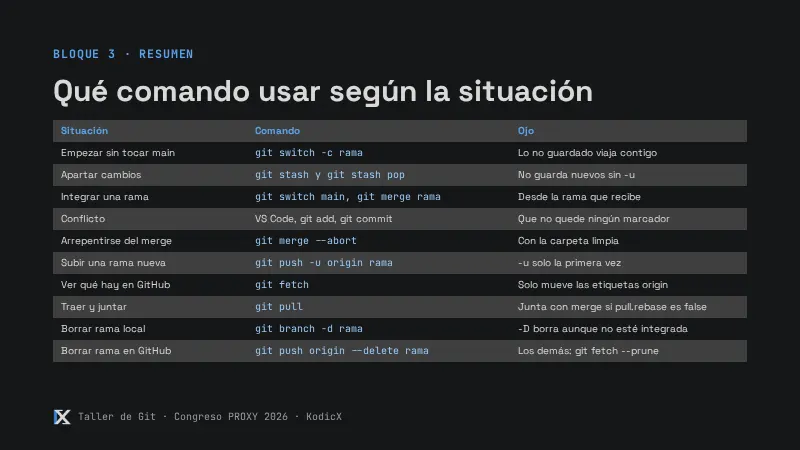
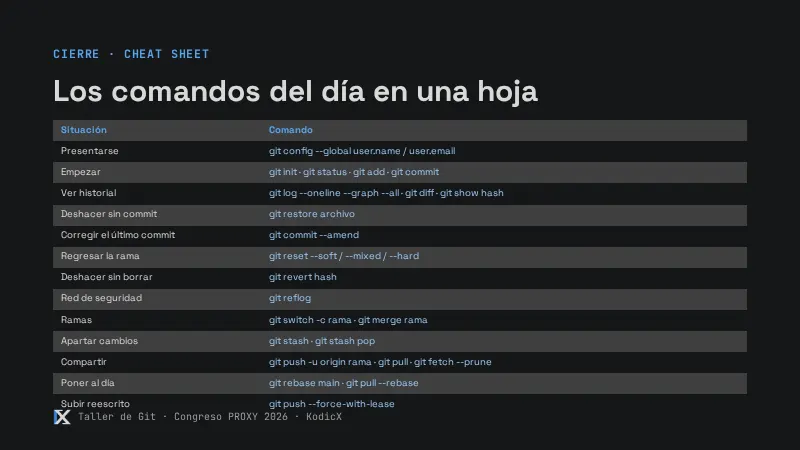
git switch -c agrega-faq
echo "# Preguntas frecuentes" > faq.md
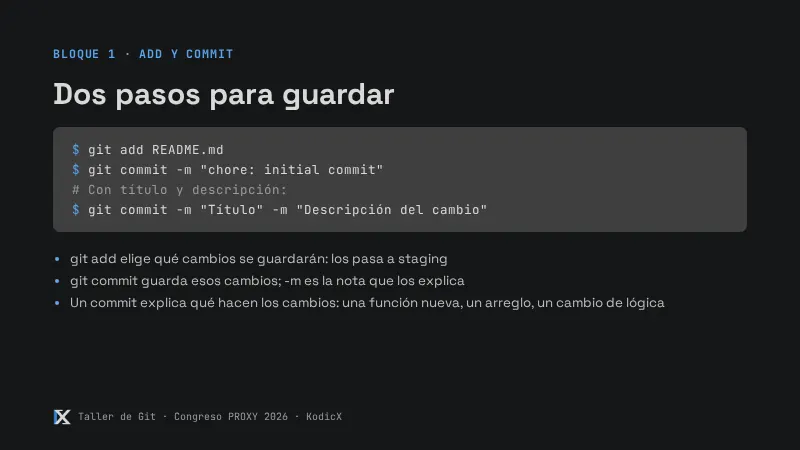
git add faq.md
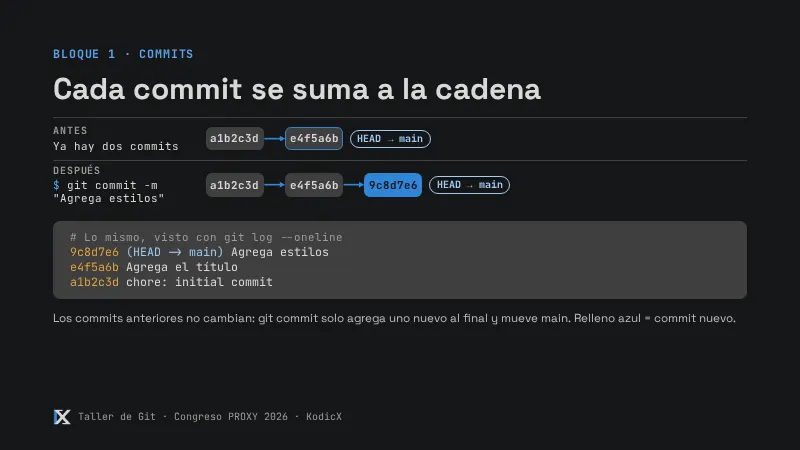
git commit -m "Agrega preguntas frecuentes"- Intenta
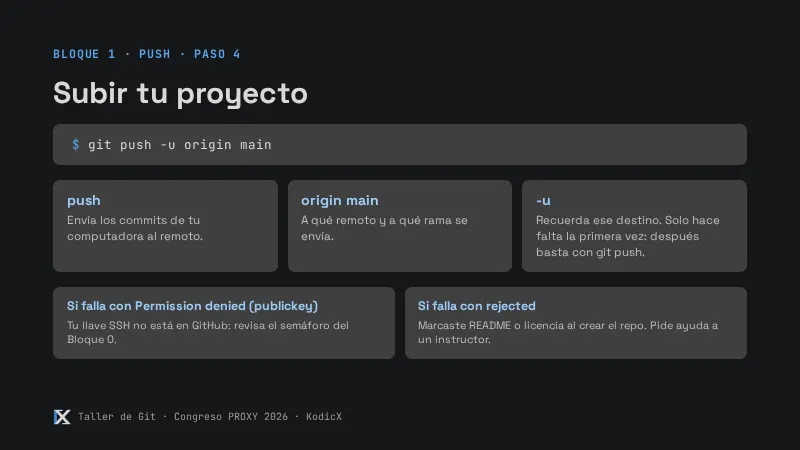
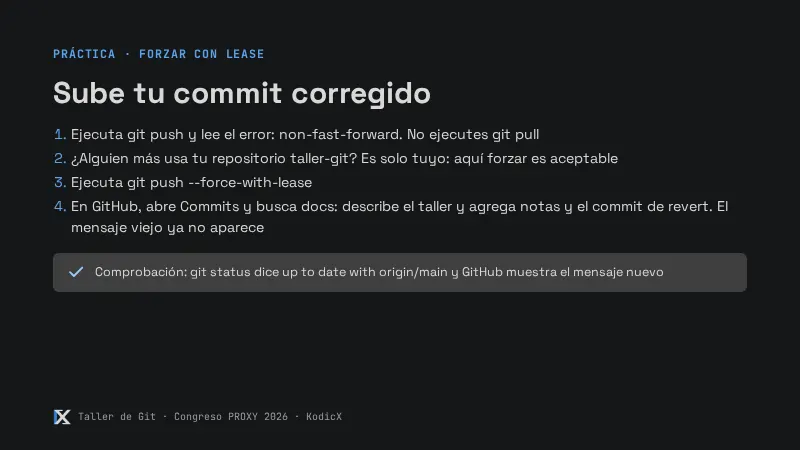
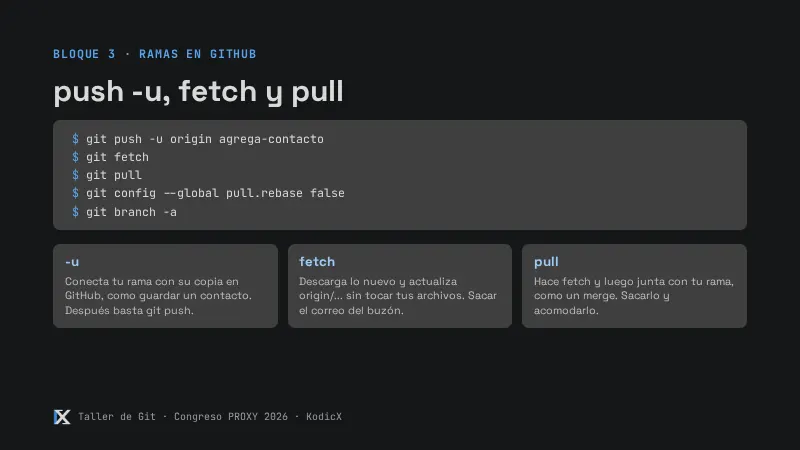
git push: falla conhas no upstream branch. Súbela bien:
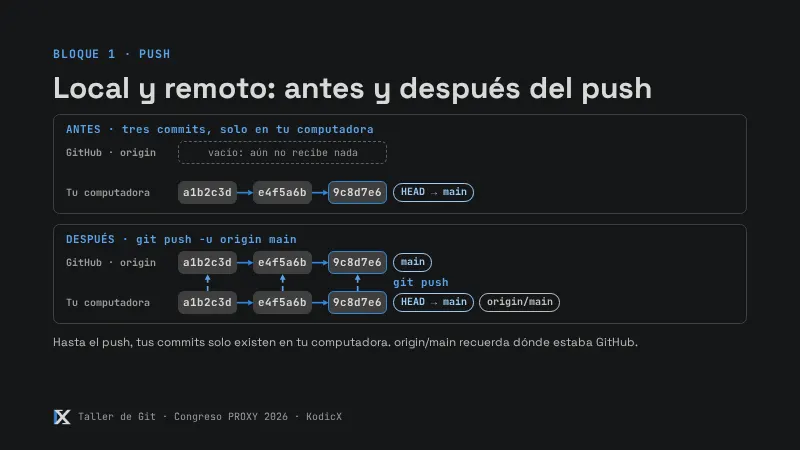
git push -u origin agrega-faq-
En GitHub: menú de ramas → View all branches →
agrega-faq. Abrefaq.md, clic en el lápiz (Edit this file), agrega el renglón¿Hay estacionamiento? Sí.y da clic en Commit changes dos veces. -
En Git Bash,
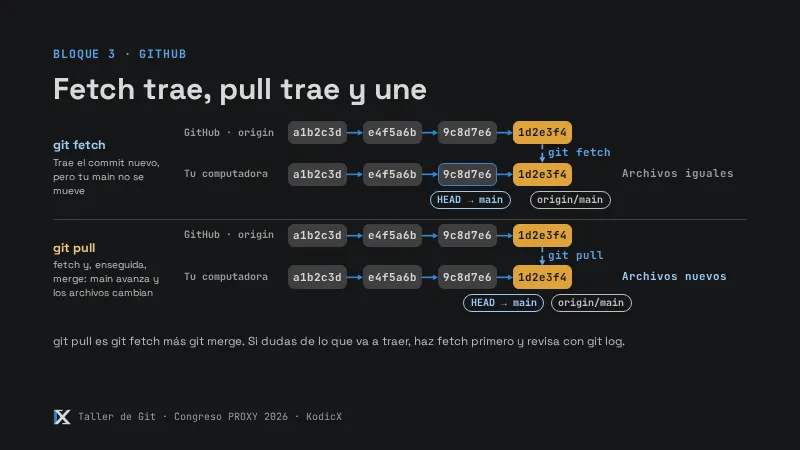
git statusdiceup to date: tu computadora todavía no se entera. -
Pregúntale a GitHub qué hay de nuevo. Ahora dice
behind ... by 1 commit, perofaq.mdaún no tiene la línea:
git fetch
git status
cat faq.md- Trae y junta:
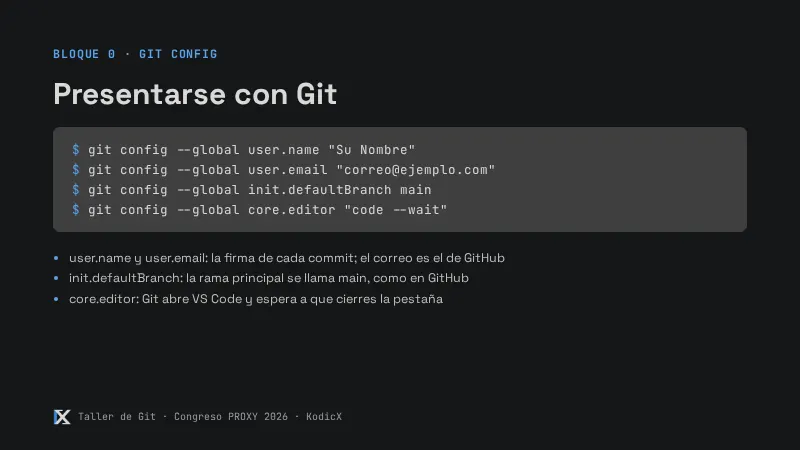
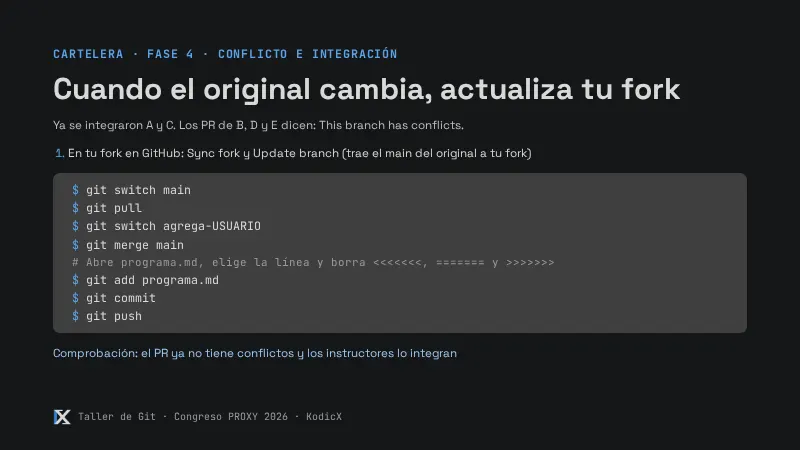
git config --global pull.rebase false
git pull
cat faq.md
Comprobación
faq.md tiene la línea escrita en la web y git status dice up to date with 'origin/agrega-faq'.