
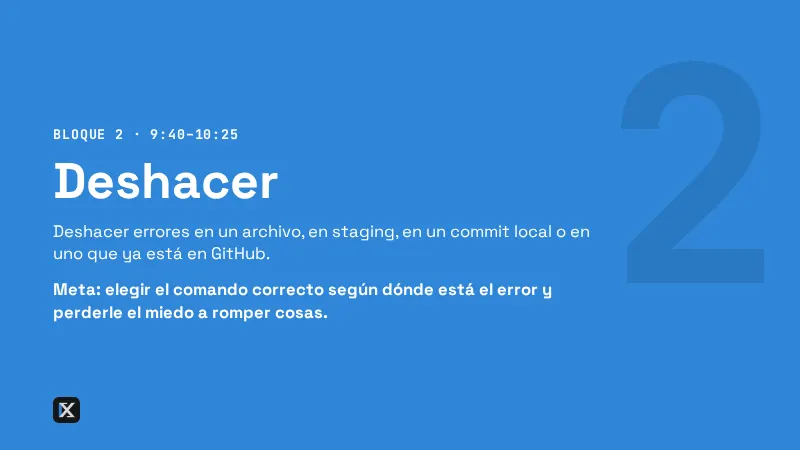

PrácticaBloque 2 · Deshacer
Reimprime tu último commit
Objetivo
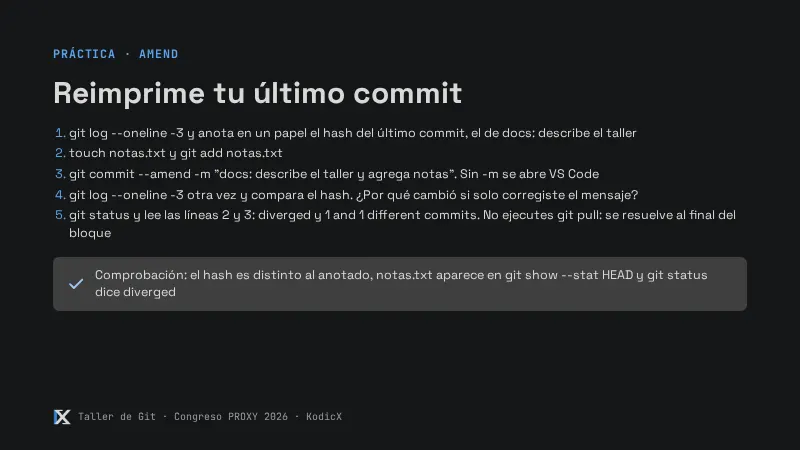
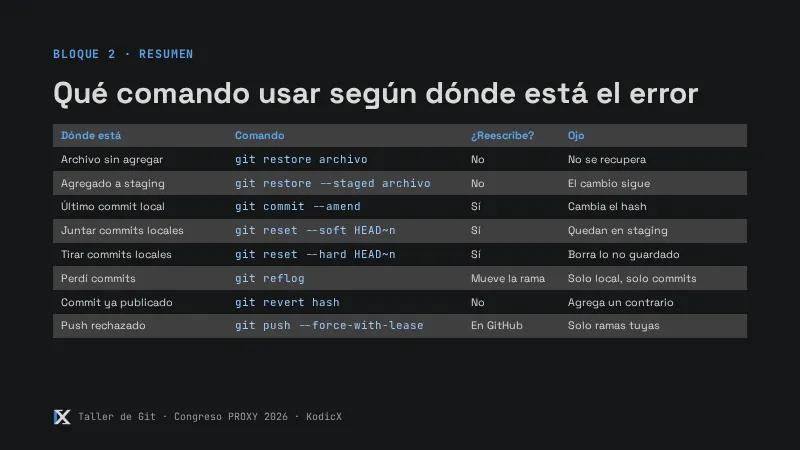
Corregir el último commit agregándole un archivo y cambiándole el mensaje, y notar que su hash cambia.
Pasos
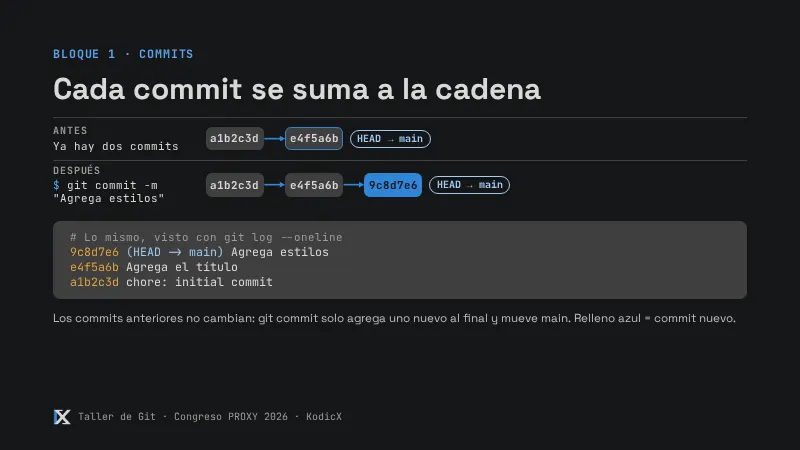
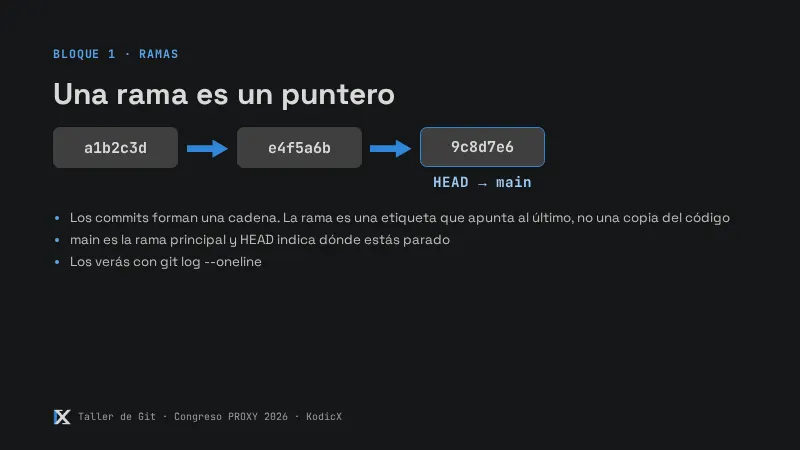
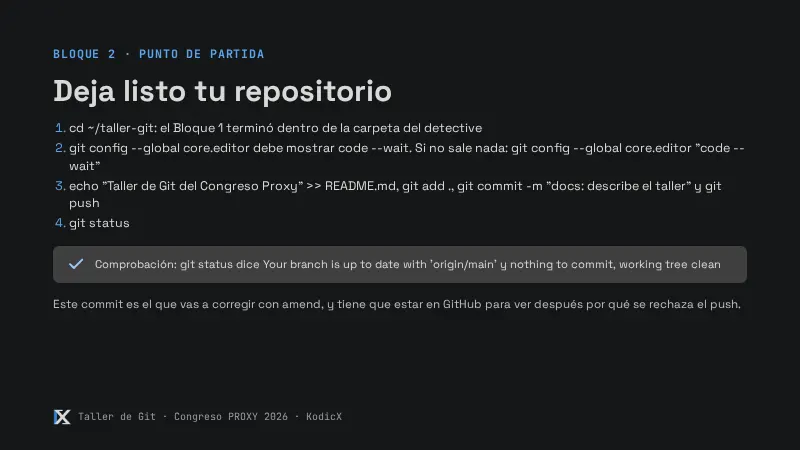
- Anota en un papel el hash de la primera línea (
docs: describe el taller), los siete caracteres del inicio:
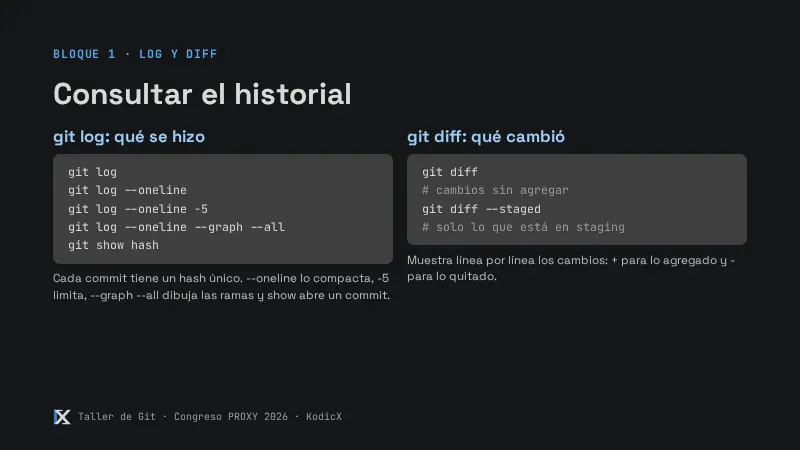
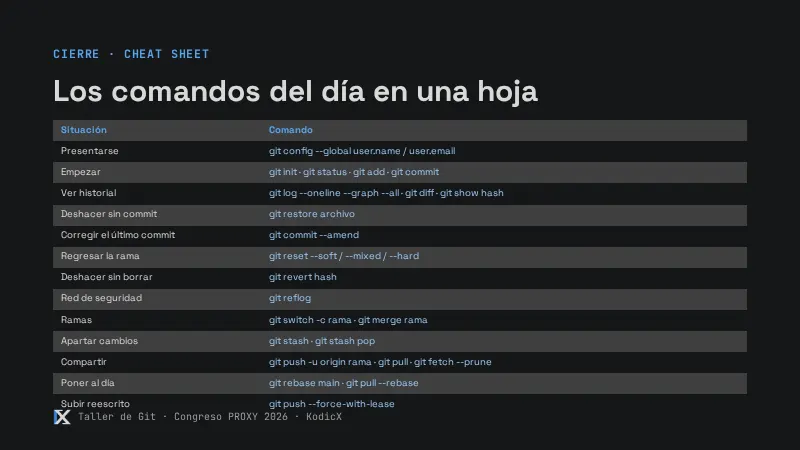
git log --oneline -3- Crea el archivo “olvidado” y corrige el commit. No olvides el
-m: sin él se abre VS Code.
touch notas.txt
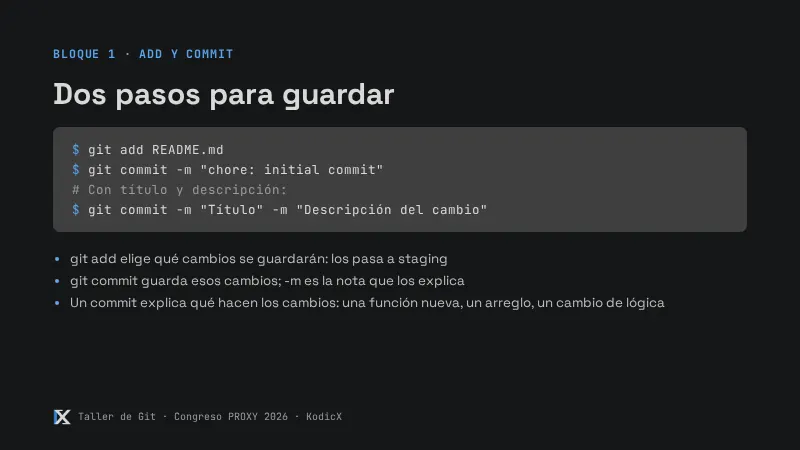
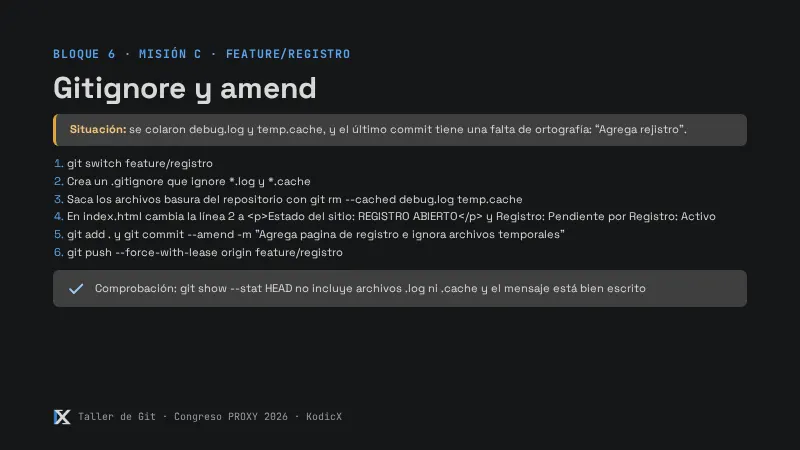
git add notas.txt
git commit --amend -m "docs: describe el taller y agrega notas"- Revisa otra vez el log: el hash es distinto. ¿Por qué cambió si “solo” corregiste el mensaje? Porque es una hoja nueva, un commit nuevo.
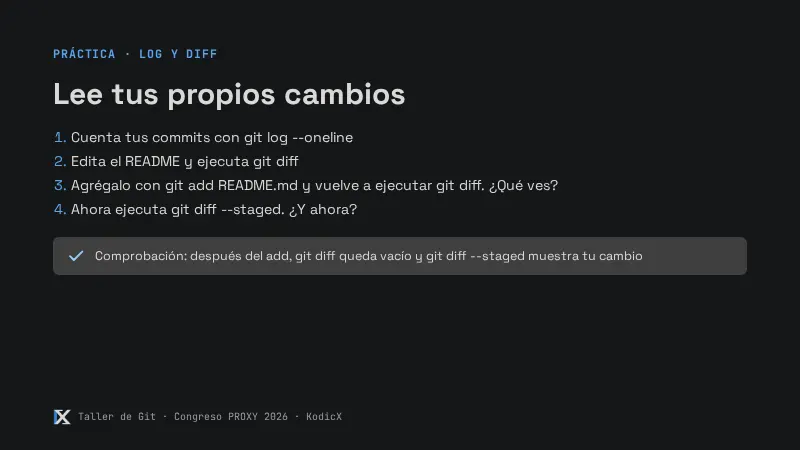
git log --oneline -3
git show --stat HEAD
notas.txt | 0 aparece en el resumen (0 porque el archivo está vacío).
- Ejecuta
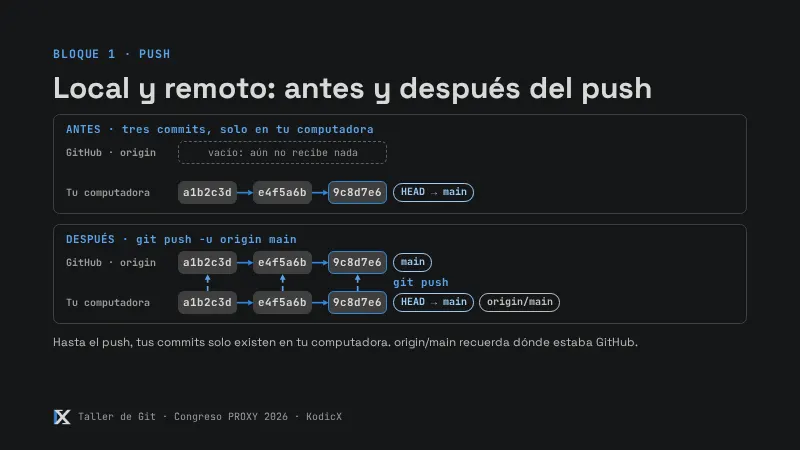
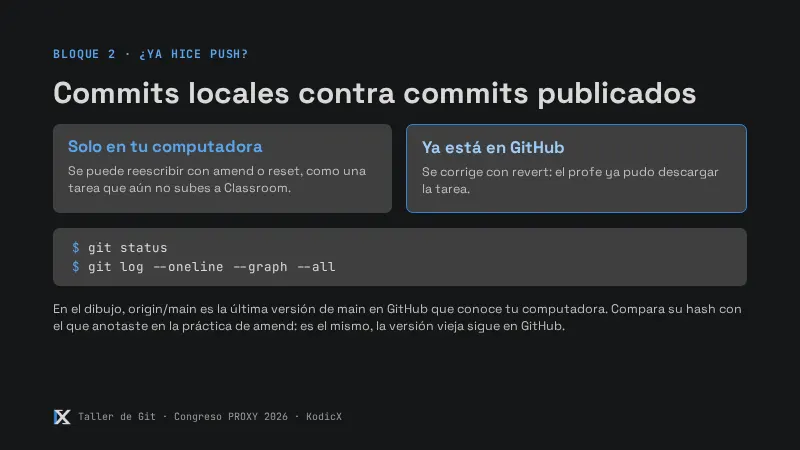
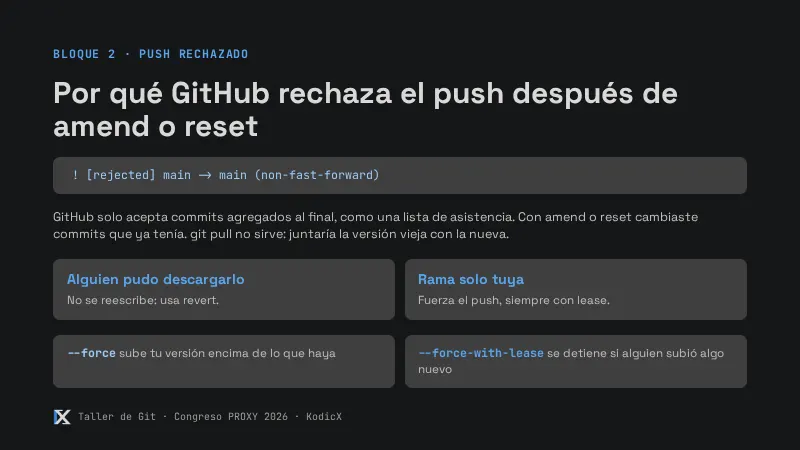
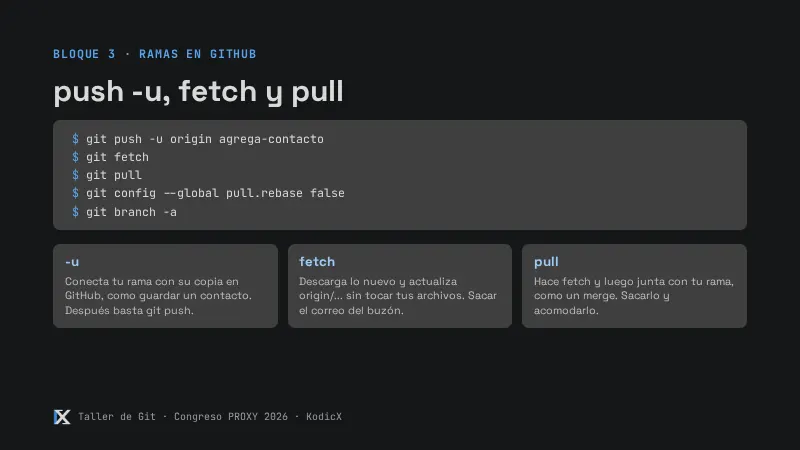
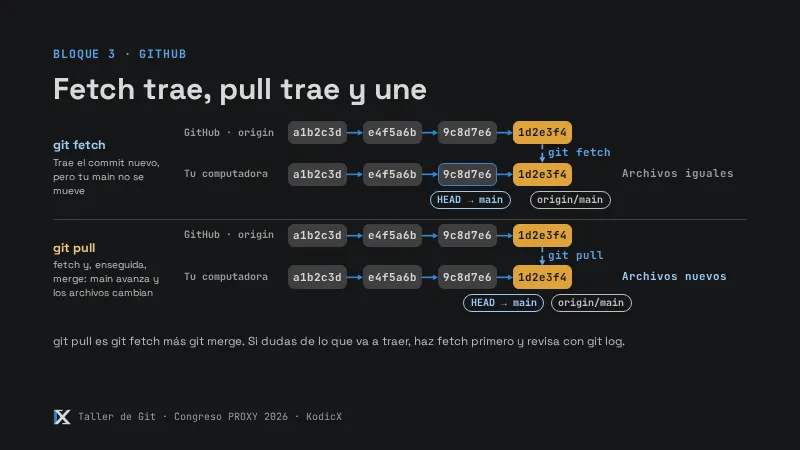
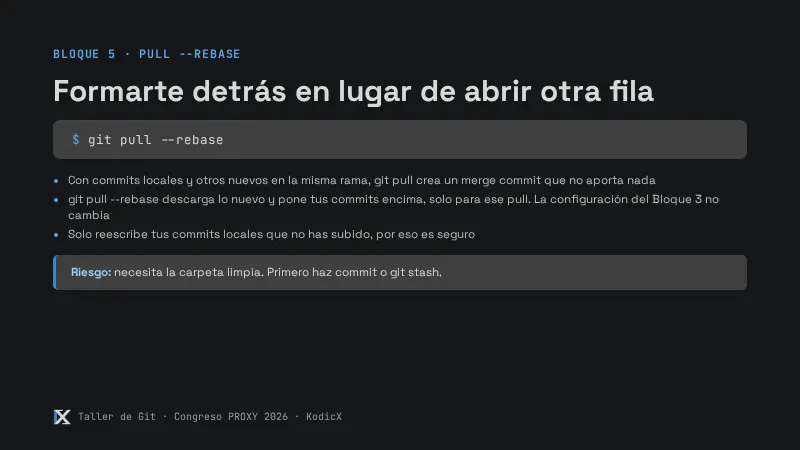
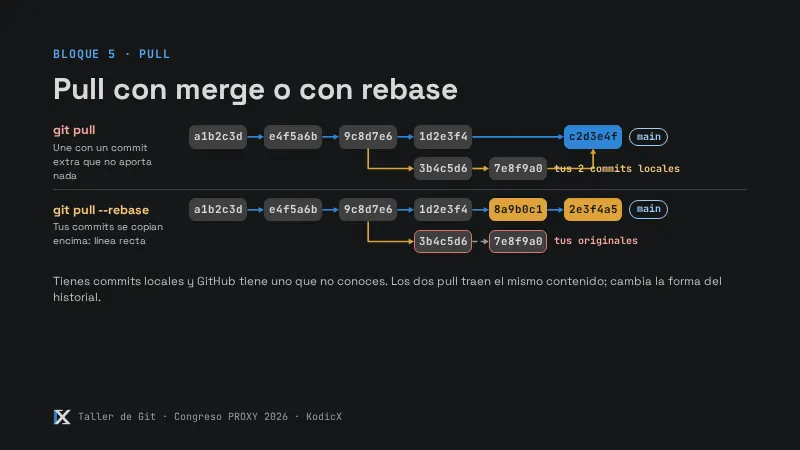
git status. VerásYour branch and 'origin/main' have diverged. No ejecutesgit pullaunque Git lo sugiera: se resuelve al final del bloque.
Comprobación
El hash es distinto al anotado, notas.txt aparece en el --stat y git status dice diverged.
Si algo sale mal
- Se abrió VS Code: faltó el
-m. Escribe el mensaje en la primera línea, guarda con Ctrl+S y cierra la pestaña.